Adobe Lightroom® CC
Workflow & Shooting Raw 1-on-1 Workshop
Click Images Below to View Gallery
|
How to Manage Your Digital Images from Start to Finish.
One of the most challenging aspects of working with your digital images is maintaining a proper workflow. Along with this, is how to properly post-produce an image for best results. In this one-day workshop, Dean will take you through the proper steps & features of using Adobe Lightroom® CC, as well as working with RAW, to help you become proficient with post-shot image management and manipulation.
Whatʼs covered?
• From Camera to Computer (Archiving)
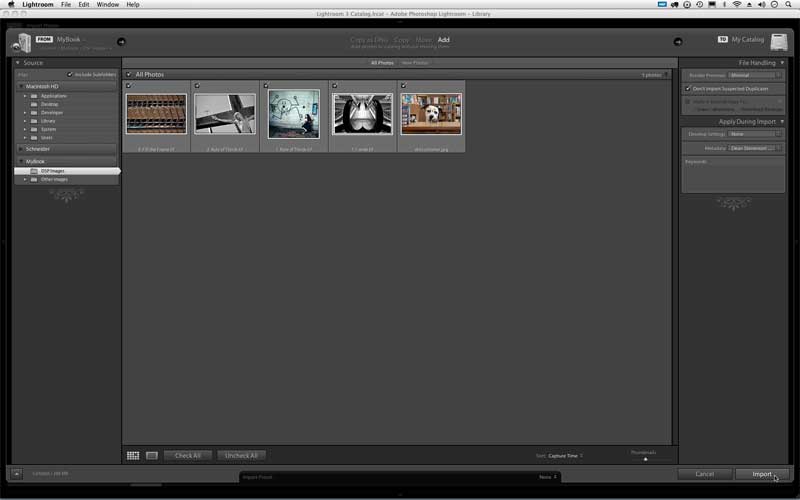
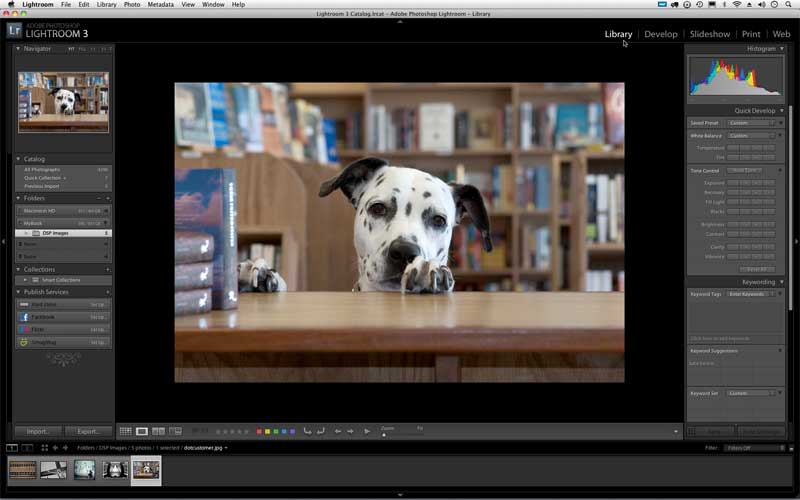
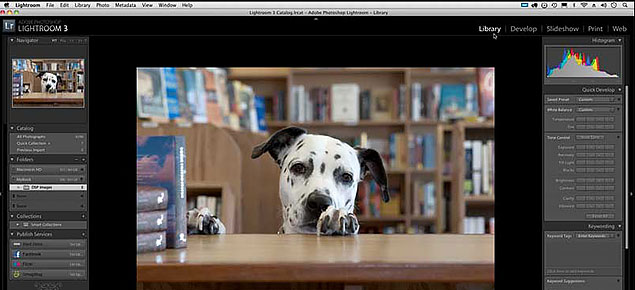
• Importing & Organizing within the Library Module
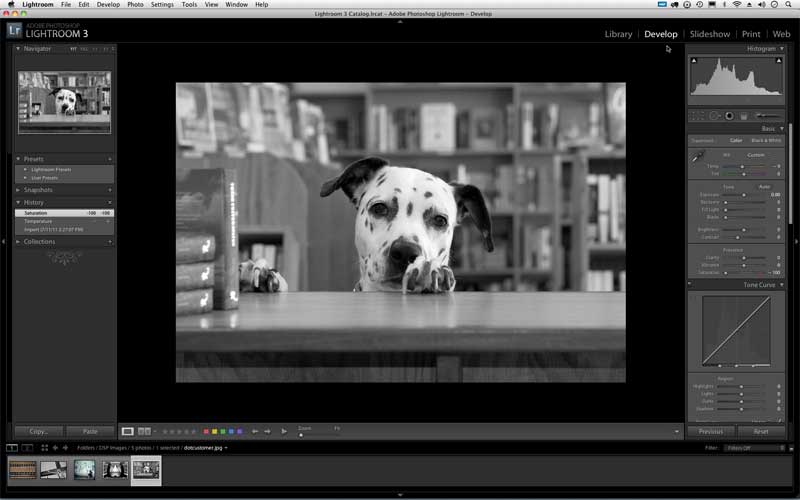
• Develop Module to post-process your images
• An introduction to Map, Book, Slideshow, Print & Web Modules
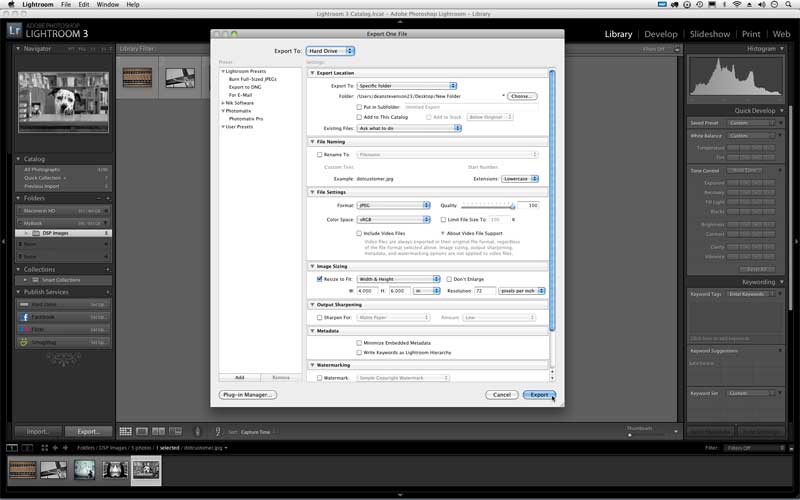
• Exporting your Images for Use
What to Bring:
• Laptop computer with Adobe Lightroom® CC installed*
• Folder of 5-10 of your images to use in class
• Students will be given a class booklet for taking notes
*Students must supply their own laptop (PC or Mac) with Lightroom® CC installed and ready to go.
|
|
|